Free prepress tools
Image Resolution Checker for Printing
Image Resolution Checker for Printing helps designers, print shops, and prepress teams judge whether a customer image has enough pixels for the final product size.
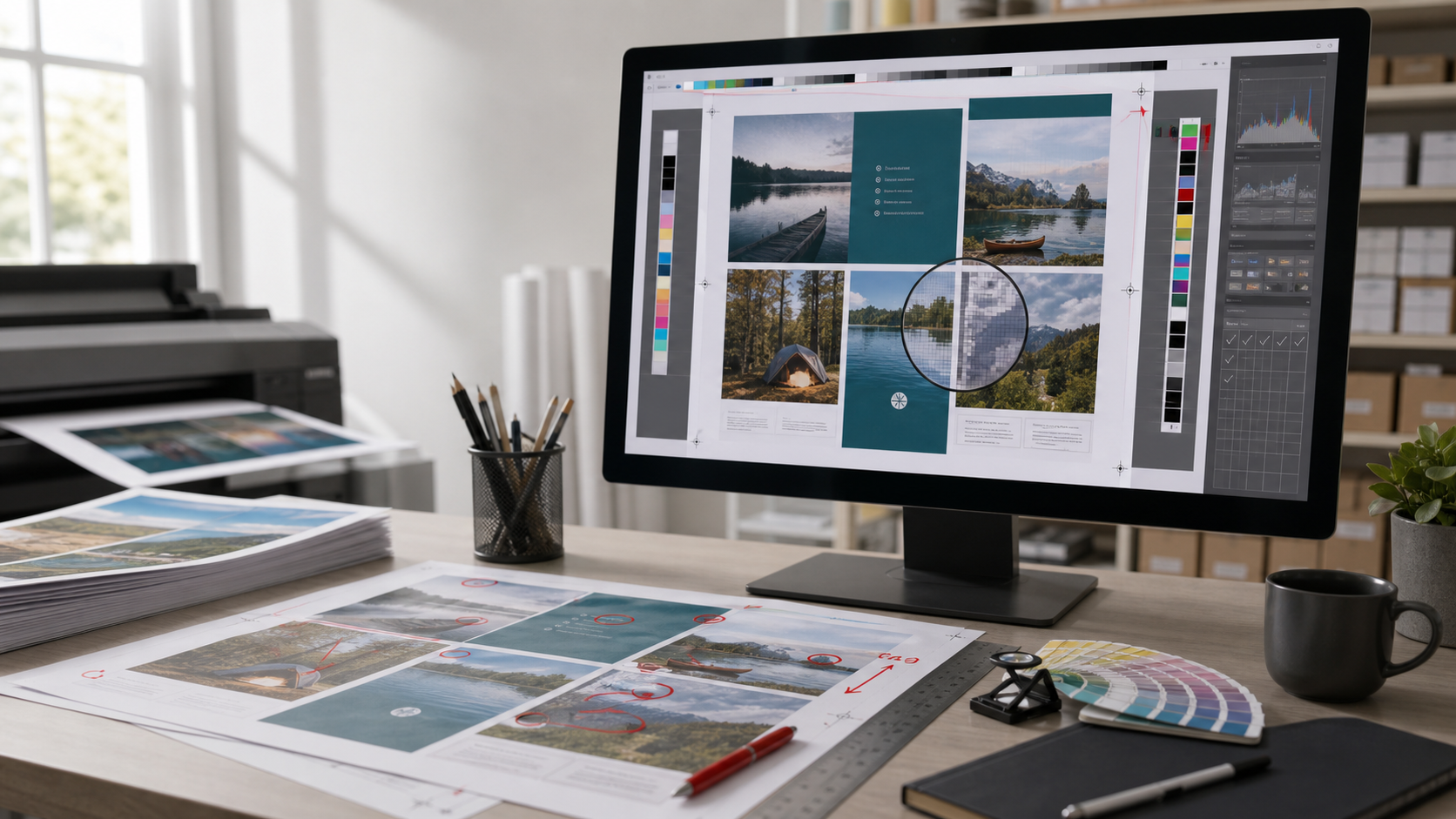
300DPI close-view target
LocalBrowser image checks
PrintSize and PDF workflow
First tool cluster
Start with the file problems people already search for
The first version focuses on image resolution, image DPI, print size, and PDF readiness because these tasks connect directly to print quality and customer file intake.
Image Resolution CheckerCheck pixel size, target print size, effective PPI, and print quality risk.Image DPI CheckerRead image dimensions and calculate useful DPI for printing.Print Size CalculatorFind the largest print size for 300, 200, and 150 DPI output.Large Format PDF CheckerCompare requested poster size with exported PDF page size before submission.Print-Ready PDF CheckerReview the file checks a print-ready PDF needs before handoff.
Print shop workflow
Connect file checks to business pressure
A low-resolution image is also a labor, margin, schedule, and customer communication problem. These pages help shop owners test that side of the demand before the backend product is built.
Bad Artwork Cost GuideSee how problem customer files turn into hidden labor, delay, and margin loss.Charge a File Handling Fee?Decide when to charge for problem customer artwork, how much, and how to explain it.Prepress Rework Cost CalculatorEstimate monthly labor and margin loss from problem customer files.File Fix Pricing GuideSet boundaries for included fixes, billable prepress work, and rush jobs.Print File Submission TemplateGive customers a practical checklist before they send files to print.
SEO guide cluster